🚀 Getting Started
📌 Overview
Welcome to Wound³! This document describes the basics of the platform and how to activate your account.
📱💻 Software Platforms
You may access the Wound³ platform through two different interfaces:
- 💻 Web Portal
- 📱 Mobile App
📲 Downloading the Mobile Application
The Wound³ mobile application is currently supported on iOS devices only (Android compatibility is in progress). You can find the app on the App Store by searching for "Wound³" or by clicking this link.
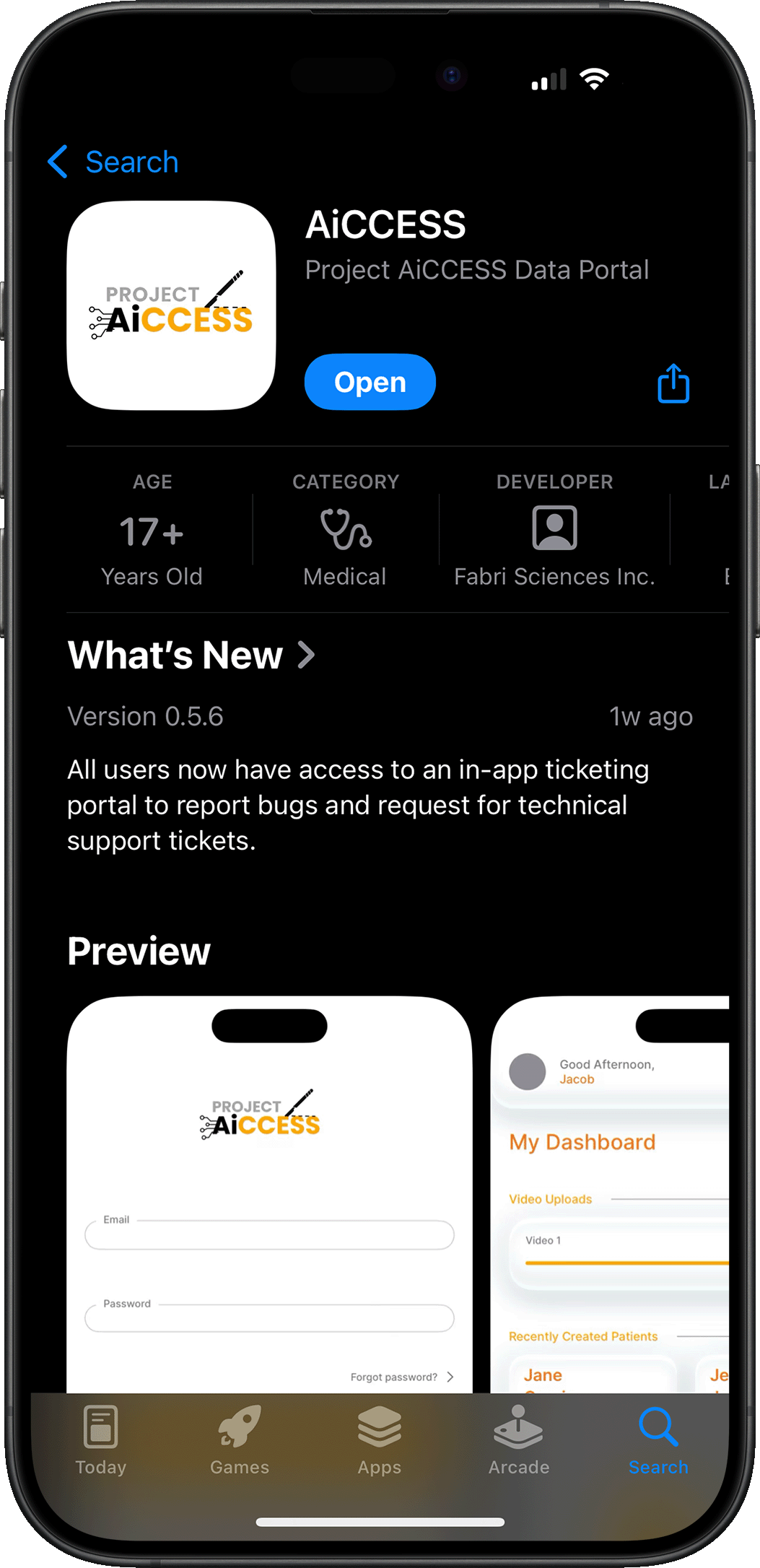
The App is used to capture scans, fill out questionnaires, and securely sharing information with researchers.
🌐 Accessing the Web Portal
All up-to-date browsers can access the Wound³ web application at wound3connect.com.
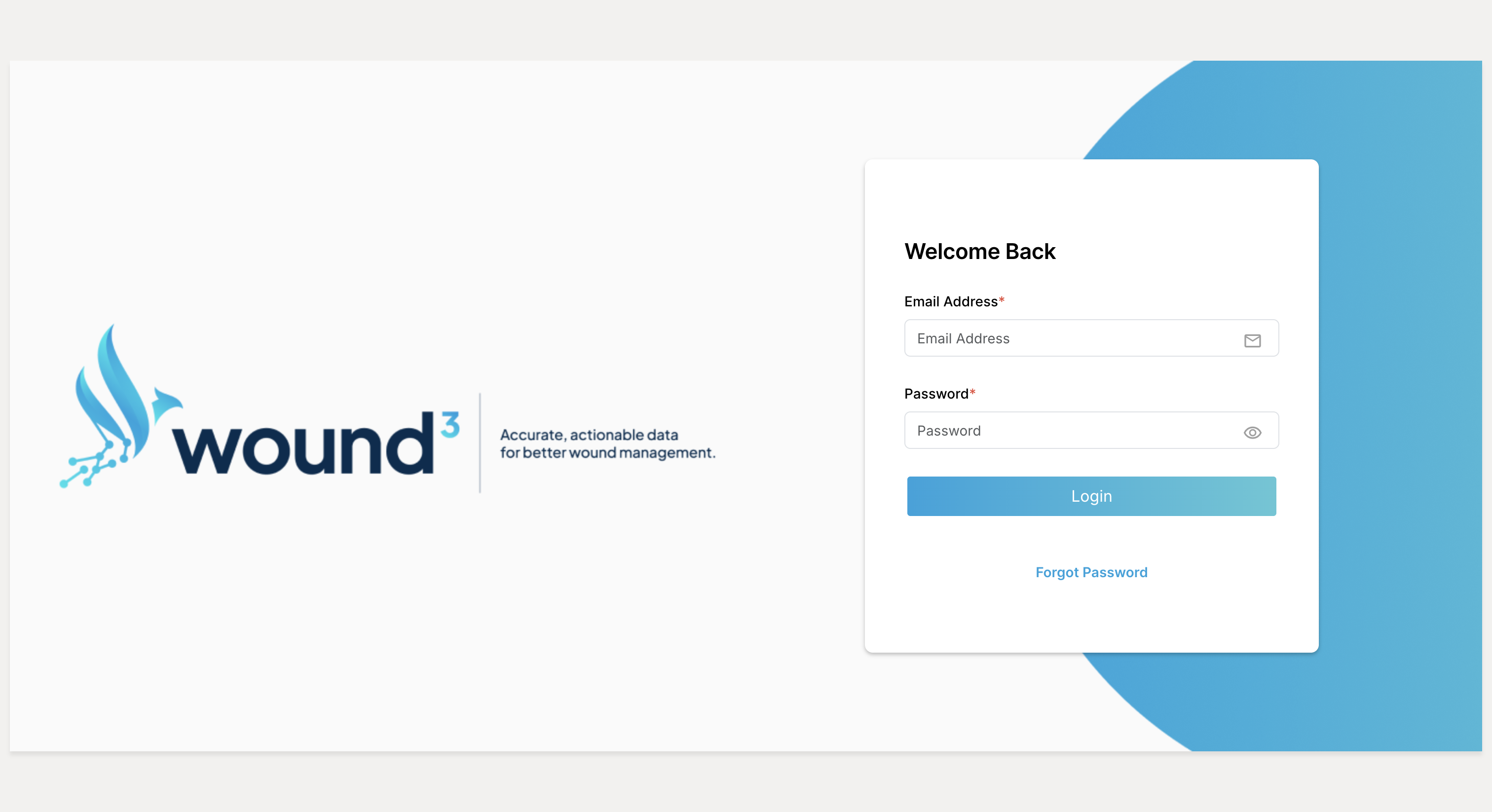
The web app is used to view and manage users, sites, and data.
➕ Account Setup
To join Wound³, a Facility Network Administrator, Facilty Manager, or Care Provider User will need to invite you to create an account.
🧑🎓Tutorial: Detailed video + text instructions are available for Care Provider account setup and Patient onboarding on the web portal and mobile app.
📩 Redeeming an Account Invite
When a Facilty Network Administrator, a Facility Manager, or Care Provider User creates your account, you will receive an email containing a link to set your password.
ℹ️ Note: For security reasons, you must redeem your invitation within 24 hours of receipt, or you will need to request a new invitation.
You will be taken to the web application to set your password. It is highly recommended that your password be at least 8 characters long with a mix of uppercase letters, lowercase letters, numbers, and symbols.
After you activate your account, you will be taken back to the login page. You will also receive an email confirming that your password was updated.
🔓 Logging In
When you log in, you will be required to enter your username (the email address you signed up with) and the password you chose when you created your account. You will also be asked to enter a One-Time Password, which is a 6-digit code that is sent to your email.
🧑🎓Tutorial: Detailed video + text instructions are available for logging into the web portal and signing into the mobile app.